Documentation Menu
Documentation
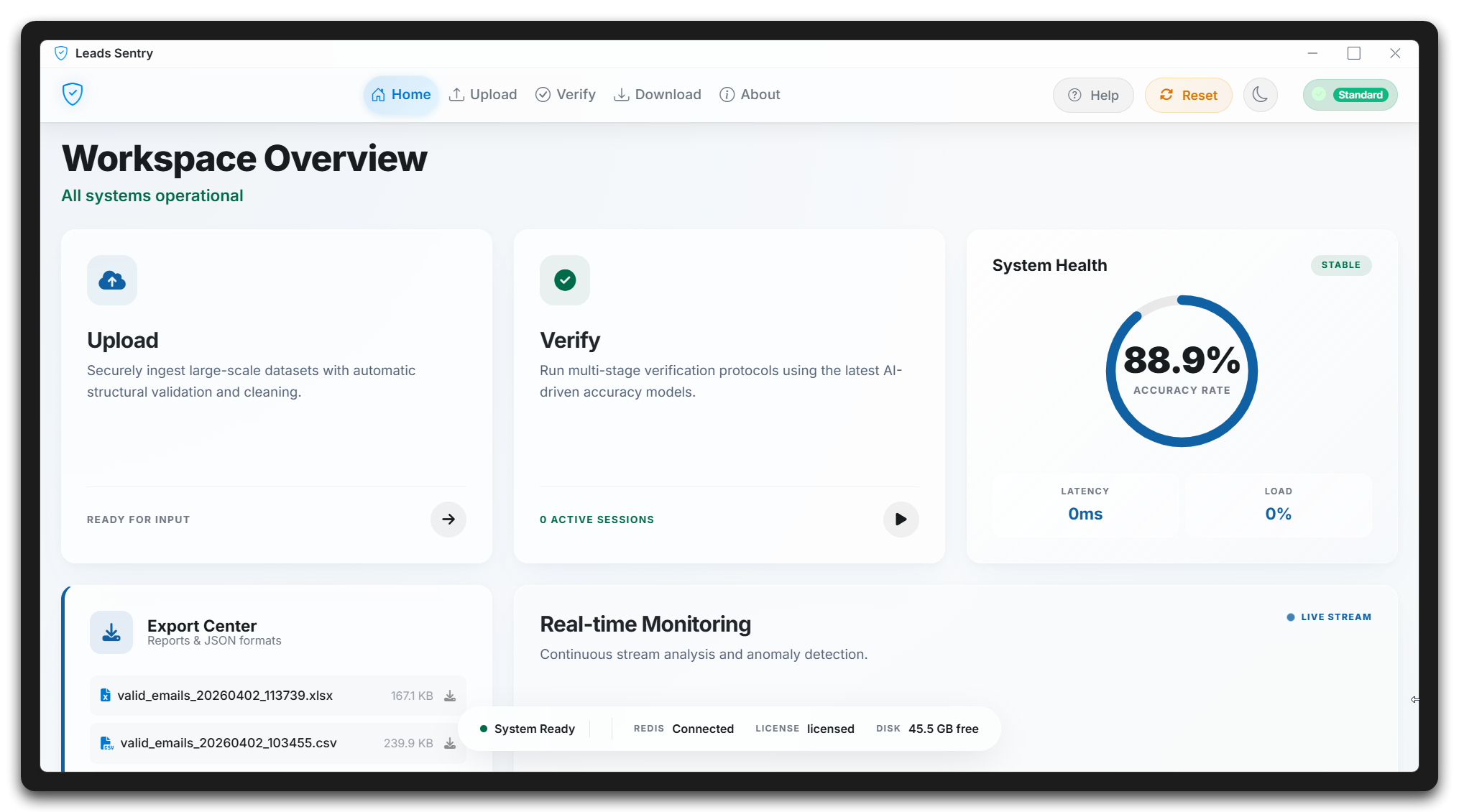
Welcome to the Leads Sentry documentation. This guide covers both the desktop verification platform and the Free Tools hub so your team can run deep list cleaning and quick daily diagnostics in one workflow.
Quick Start
Get up and running in under 5 minutes
API Reference
Complete API documentation
Support
Get help when you need it
Quick Start Guide
Follow these steps to start verifying emails and using the Free Tools workflow with Leads Sentry:
Create an Account
Sign up for a free account at leadssentry.com/register. No credit card required to get started.
Download the App
Download the Leads Sentry desktop application for Windows, macOS, or Linux from your dashboard.
Get Your API Key
Navigate to Settings → API Keys in your dashboard to generate your API key.
Start Verifying
Use the app or API to start verifying emails immediately.
Use Free Tools for Quick Checks
Run SPF, DMARC, MX, DNS, and related checks in Free Tools before campaign sends.
Installation
Leads Sentry is available as a desktop application for all major platforms.
System Requirements
- Windows: Windows 10 or later, 4GB RAM, 100MB free space
- macOS: macOS 10.15 or later, 4GB RAM, 100MB free space
- Linux: Ubuntu 18.04+ or equivalent, 4GB RAM, 100MB free space
Download & Install
# Windows (PowerShell)
Invoke-WebRequest -Uri "https://leadssentry.com/download/windows" -OutFile "LeadsSentry-Setup.exe"
.\LeadsSentry-Setup.exe

# macOS (Terminal)
curl -O https://leadssentry.com/download/macossudo installer -pkg LeadsSentry.pkg -target /

# Linux (Terminal)
wget https://leadssentry.com/download/linuxsudo dpkg -i leads-sentry.deb
Authentication
All API requests require authentication using your API key. Include your key in the Authorization header.
Authorization: Bearer YOUR_API_KEY
Example Request
curl -X POST https://leadssentry.com/api/v1/verify \
  -H "Authorization: Bearer ls_live_xxxxxxxxxxxxxxxx" \
  -H "Content-Type: application/json" \
  -d '{"email": "user@example.com"}'
API Overview
The Leads Sentry API is organized around REST. Our API has predictable resource-oriented URLs, accepts JSON request bodies, returns JSON-encoded responses, and uses standard HTTP response codes.
Base URL
https://leadssentry.com/api/v1
Rate Limits
| Plan | Rate Limit |
|---|---|
| Free | 100 requests/minute |
| Professional | 1,000 requests/minute |
| Enterprise | 10,000 requests/minute |
Verify Single Email
Verify a single email address through our six-layer verification engine.
Endpoint
POST /verify
Request Body
{
  "email": "user@example.com",
  "check_catch_all": true,
  "check_role": true
}
Response
{
  "success": true,
  "email": "user@example.com",
  "status": "valid",
  "score": 98,
  "checks": {
    "syntax": true,
    "dns": true,
    "smtp": true,
    "catch_all": false,
    "role": false,
    "disposable": false
  },
  "suggested_correction": null
}
Support
Need help? Our team is here to assist you.
Our Products & Apps
Explore the suite of tools and applications built by Leads Sentry.